No install · No server · Free
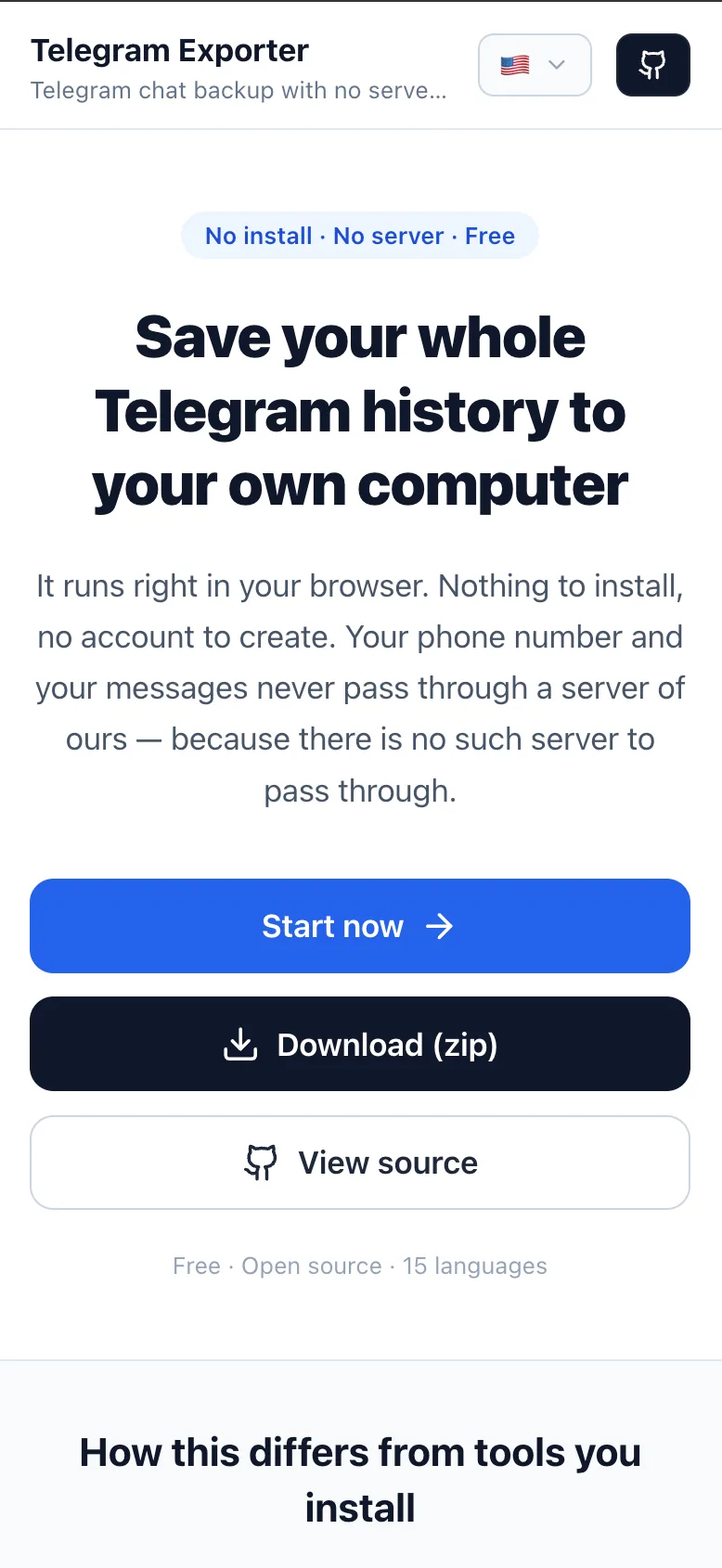
Save your whole Telegram history to your own computer
It runs right in your browser. Nothing to install, no account to create. Your phone number and your messages never pass through a server of ours — because there is no such server to pass through.
Free · Open source · 15 languages
See the actual screens
Swipe through. From signing in to downloading, this is exactly what you will see.


How this differs from Telegram's own export
Telegram Desktop has an export feature of its own. If sitting at a computer and taking one chat at a time works for you, use it. This tool does what that way can't.
Where
Official export
Only on a computer with the desktop app installed. Not on iPhone, Android or the web
This tool
Anywhere there's a browser. Open the address and start
Which chats
Official export
One at a time. Several only as whole categories
This tool
Pick just the chats you want and export them together
Which dates
Official export
A date range only when exporting a single chat
This tool
A date range even when exporting many chats at once
Anonymizing
Official export
Not available
This tool
Names become A, B, C and IDs 1, 2, 3 — safe to hand to someone else
How it reads
Official export
A flat list of name-and-text rows
This tool
The messenger view itself. Your own messages sit on the right
The first row is the big one. The official export only opens if you install the desktop app, so if all you have is a phone there is no route at all.
This is what you get
telegram-<chat-name>-<date>.zip
index.html
Reads like the conversation itself. Open this one first
messages.jsonl
One message per line. The raw form, for machines to read again
messages.txt
Human-readable, chronological, oldest first
meta.json
Chat info, message count, export timestamp
Three steps and you're done
Sign in with Telegram
Enter your phone number and the login code Telegram sends you.
Pick a chat and a date range
Jump to a date on the calendar and take only the stretch you need.
Download the zip
You see the progress, and you can stop at any time.
Don't take our word for it
Your browser locks this page so that it cannot connect to any address other than Telegram and Google Analytics, which counts visitors. Not even the author of this page can break that rule. Your messages, phone number and login code are not sent to Google either.
connect-srcwss://*.web.telegram.orgwss://*.web.telegram.org:443https://*.google-analytics.comhttps://*.analytics.google.comhttps://*.googletagmanager.com
Press F12 and open the Network tab to see every address this page actually connects to.
The full source code is public. Source code
Back up your chats now
No sign-up, no install, no payment.